
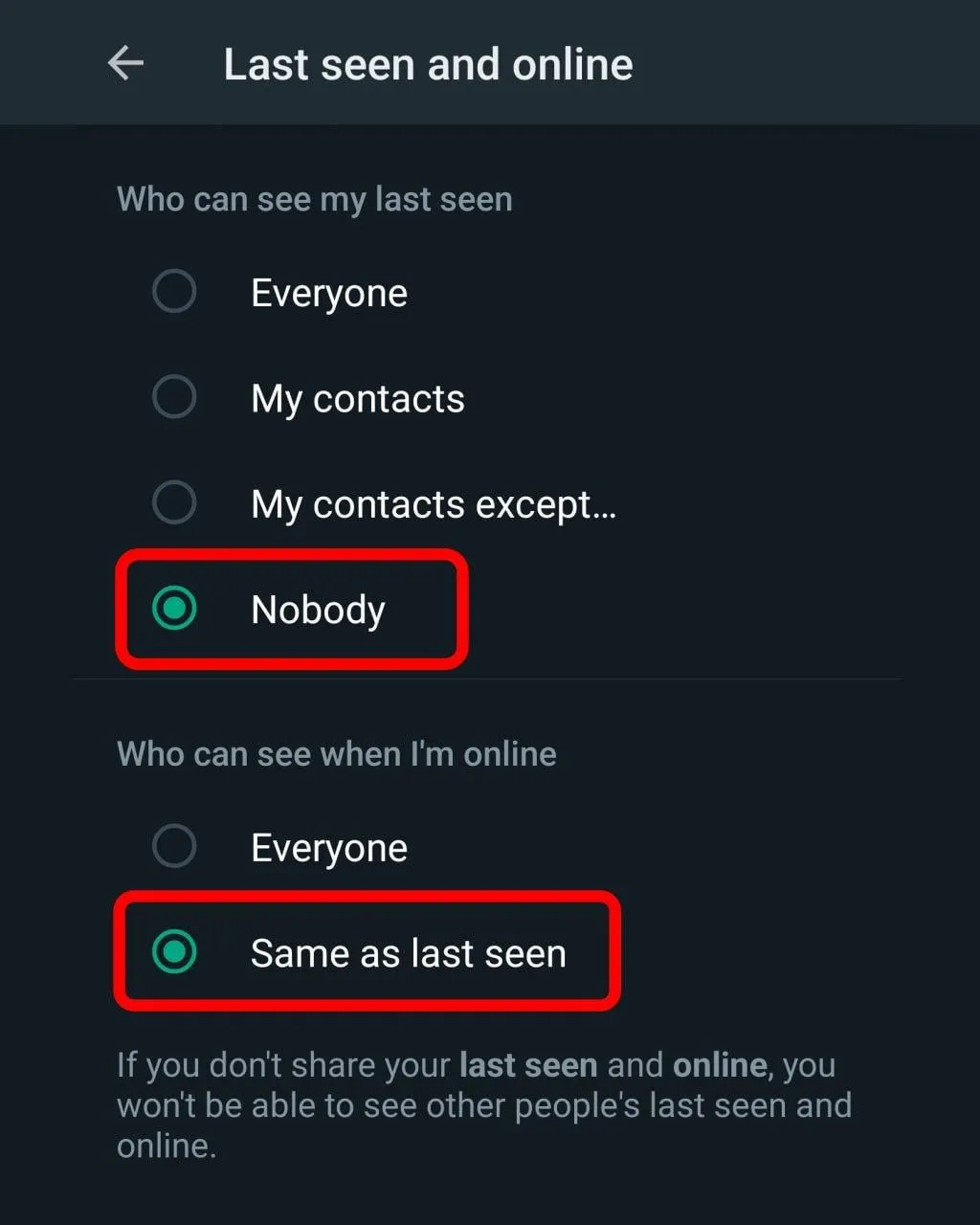
To activate this feature, simply go to:
**Settings > Account > Privacy > Last seen and online**
Here, you have two options for the online status:
- Everyone**: This shows your online status to everyone.
- Same as last seen**: This applies your "Last seen" settings to your online status as well.
For example, if you set your "Last seen" visibility to *Nobody* and choose *Same as last seen* for online status, no one will be able to see when you're online on WhatsApp.





Take less than a minute, register and share your opinion under this post.
Insulting or inciting messages will be deleted.
Sign Up